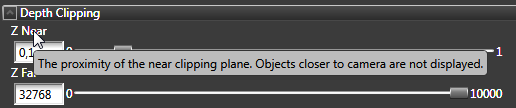
When you need a brief explanation on what a specific property does, move your mouse pointer over the name of that property.
If you want to get more information about an item in your project, such as what a Viewport Layer is, or what a Delta Node is used for, select an item either in the Project or Library windows and the Properties shows a brief description for the selected object or resource.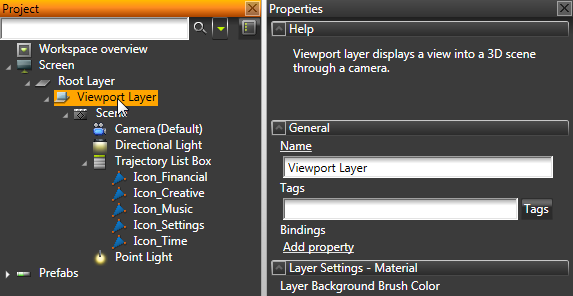
To find out still more, click any object or resource in Kanzi Studio and press F1. This opens the Kanzi documentation in a new Kanzi Studio dockable window or in your default web browser, depending on your settings.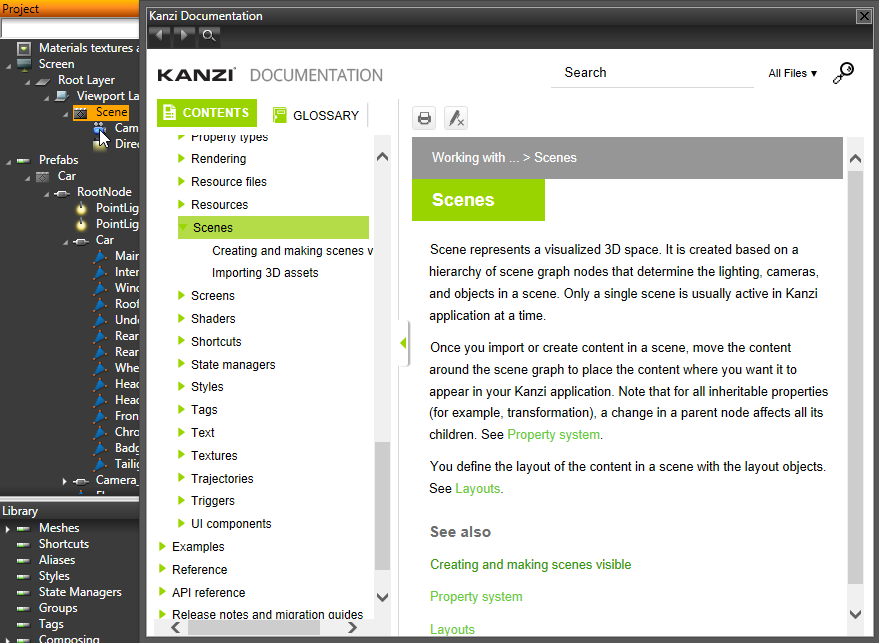
For technical support send an email to kanzi.support@rightware.com or go to http://www.rightware.com/contact-us/ to locate the nearest Rightware technical support team.
See also